Get started
Mount the module, plug in one cable, and check that it is measuring.
Flow Lite tells your flight controller how fast it is moving over the ground and how far away the ground is. It combines an optical flow sensor, a laser rangefinder and an IMU, and connects over CAN or a UART.
Mount it#
- Face the lens and the laser opening straight down, with a clear view of the ground.
- Keep landing gear, cables and payload out of both fields of view: 42° for flow and 18° for range.
- Leave at least 8 cm between the lens and the ground when the vehicle is landed, or expect flow only after take-off.
- Set how the module is rotated on the frame with your flight controller's own orientation setting.
- Keep the lens and the laser opening clean. Dust and fingerprints lower the flow quality.
Connect it#
Use either port. Both can be connected at the same time, and either one powers the module from 5 V.
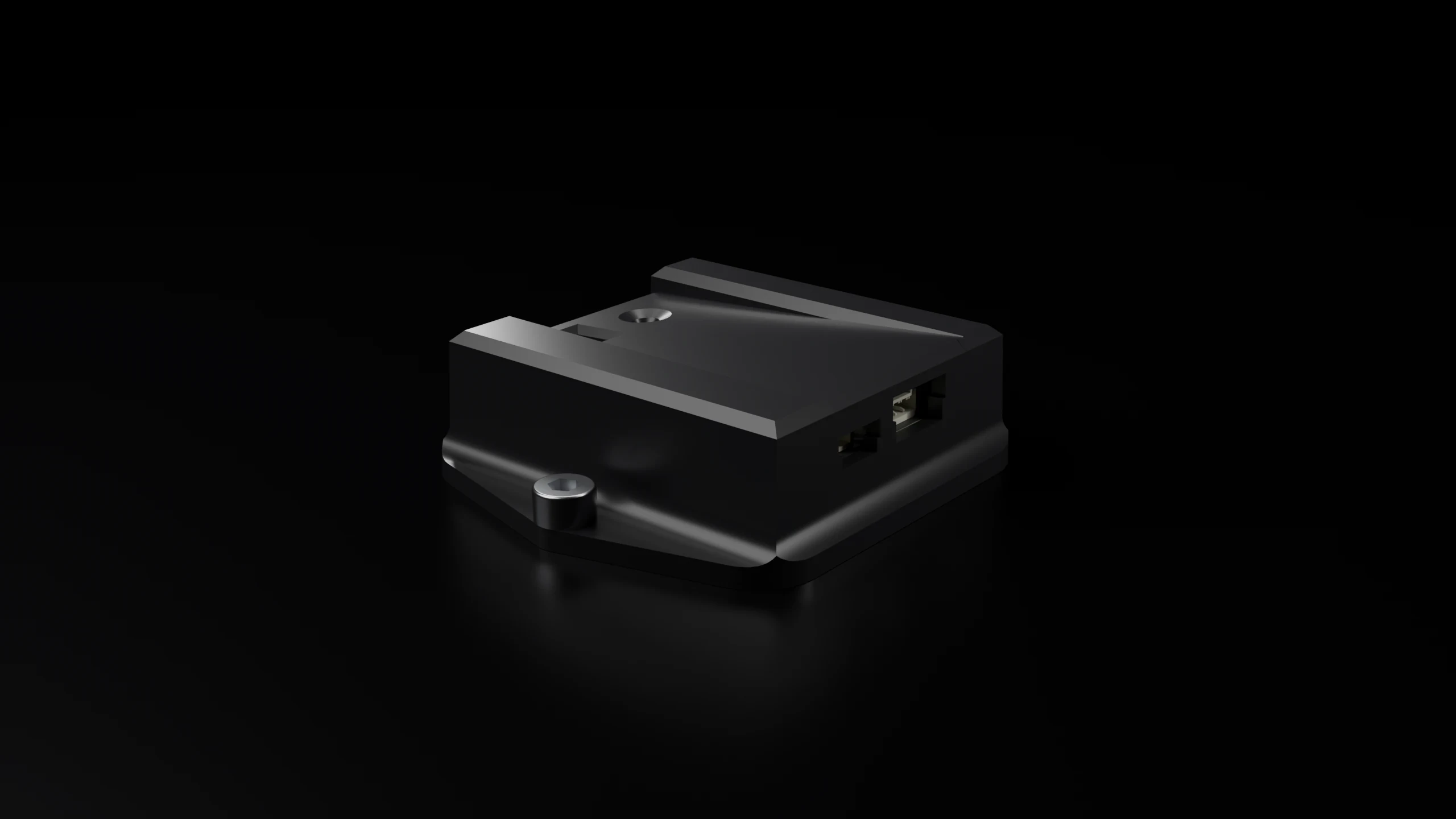
Use CAN with PX4 and ArduPilot where a CAN port is free. Use the UART with Betaflight and INAV, which have no flow driver on CAN.
CAN port#
JST-GH, 4-pin. This is the Pixhawk CAN pin order, so a standard 4-pin JST-GH CAN cable fits.
| Pin | Signal |
|---|---|
| 1 | 5V, power in |
| 2 | CAN H |
| 3 | CAN L |
| 4 | GND |
UART port#
JST-SH 1.0 mm, 4-pin, 3.3 V logic, 115200 baud. This is the Betaflight pin order.
| Pin | Signal |
|---|---|
| 1 | 5V, power in |
| 2 | GND |
| 3 | TX, to the flight controller's RX |
| 4 | RX, from the flight controller's TX |
Pixhawk serial ports put 5V first and GND last, with the signals between. A straight cable does not match this port and can upset the flight controller. Use a three-wire adapter (GND, TX to RX, RX to TX), and leave 5V out when the module is already powered from CAN.
Check it#
The red light is on whenever the module has power. The status light tells you the rest.
| Status light | Meaning |
|---|---|
| Slow blink | On a CAN bus, all sensors running |
| Fast blink | Looking for a CAN bus. Normal when only the UART is connected |
| Double flash | A sensor is not responding |
To see live readings, open Raksham Connect in Chrome or Edge on a computer. Plug in a USB serial adapter wired to the module's UART, or the Betaflight or INAV flight controller it is wired to, and choose Connect device. It shows the distance to the surface, how well the surface is being tracked, and motion over it.
Next, set up your flight controller.